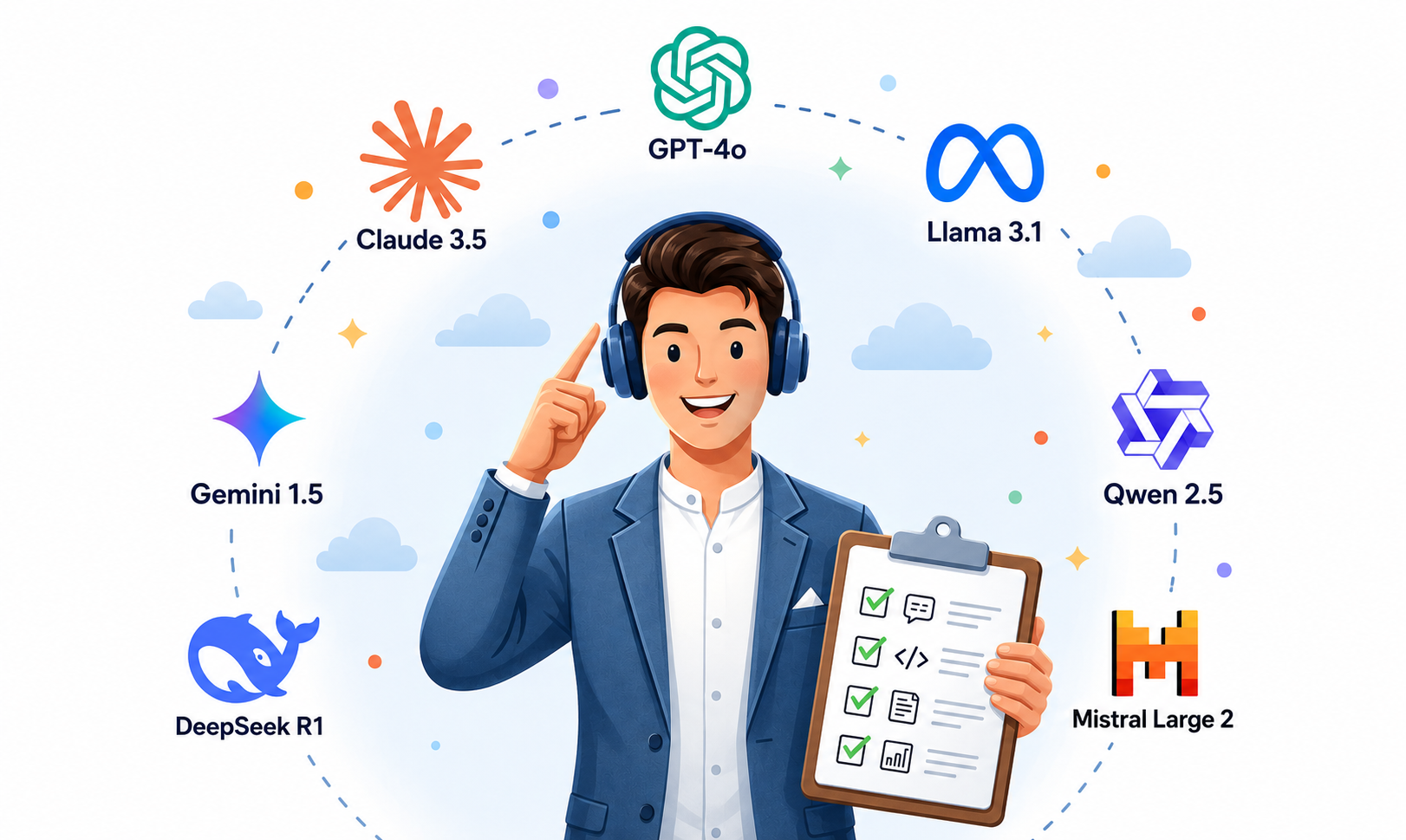
A two-day, hands-on course on creating and editing graphics with AI — on-site in Warsaw or live online with a trainer. Enrollment is currently open — next session: September 3–4, 2026.
A two-day, hands-on course on creating and editing graphics with AI — Midjourney, Adobe Firefly and AI features in Photoshop. For graphic designers, marketers and anyone preparing visual materials for institutions and businesses.
16 hours of hands-on training over two days — from prompt basics to preparing graphics for publication.
An overview of Midjourney, Adobe Firefly and AI features in Photoshop — each tool's strengths and where it fits best.
How to describe the product, style, lighting, composition and mood so the generated images are ready for commercial use.
Removing unwanted elements, changing or extending the background, and preparing one photo in several publication formats.
Generating illustrations, patterns and color variants — fully editable and ready for further work.
Building moodboards, keeping a consistent style across a series of graphics, and working with reference images.
Copyright basics for AI-generated content, protecting client materials, and using AI tools safely in commercial projects.
Building a simple process that generates several variants of one graphic in different formats and sizes.
Choosing resolution for web and print, upscaling images, and a checklist to run through before sending a file to print.
Answers to the questions experienced DTP and print designers ask us most often.
Yes. Unlike many AI courses that focus on eye-catching image generation for social media, our course is dedicated to professional, commercial applications — working with resolution, bleed, color profiles and real client briefs, which is what DTP designers deal with every day.
You'll learn to use AI to speed up the most time-consuming steps: removing and changing backgrounds, generating color variants of packaging and labels, creating print-ready vector elements, and upscaling photos and scans without losing sharpness.
Few AI courses focus on commercial use in a designer's everyday work — most teach how to generate single, eye-catching images. We do it differently: we teach how to weave AI into a real production process — from the client brief, through retouching and packshots, to a file ready for print.
Yes — day two includes a module dedicated to exactly this: choosing resolution for print and web, upscaling AI-generated graphics, and a technical checklist before sending a file to print.
No. In the course we present AI as a tool that speeds up specific steps — visual research, concept variants, retouching — not as a replacement for the knowledge of layout, bleed and print file preparation that an experienced designer still needs.
The program covers both areas — generating concepts in Midjourney and working with AI features directly in Adobe Photoshop and Illustrator (Firefly), i.e. the programs where final production files are actually prepared.
This course is aimed specifically at experienced designers. We assume familiarity with the basics of Photoshop and Illustrator and focus on how AI can genuinely speed up your existing workflow — not on teaching the software from scratch.
Yes. Day two includes a module on the legal, safety and ethical use of AI — including copyright basics for AI-generated content and the rules for using it safely in paid commercial projects.
Checking seat availability…
The seat will be held for 24 hours. During this time, please:
A confirmation has been sent to our team. We'll get in touch if we need any additional details — in the meantime, please wait for the proforma invoice.
 PL
PL EN
EN UA
UA